$50 Lifetime AppSumo Deal Get Deal
How to add a Static Page to Hugo
by Joe Marshall on March 4th, 2020

Adding a single, standalone page to Hugo (like an /about or /contact) is usually explained in way that makes it sound harder than it is.
So here's the process - all two steps of it - for adding a plain, standalone /contact page. As an example, we're going to add a page to my personal blog.
1. Add a contact.md file under /content
First we're going to add a simple markdown content file called contact.md in the /content directory.

The file itself looks like this.
---
title: "Contact Me"
layout: staticpage
---
I'm actually going to add some form HTML for the contact page.
2 Add a singlepage.html file in /layouts
Then, since we're only using this a layout for a single page and not an entire content type (like /posts in our case) we can just our template as an HTML file in _default folder, adding it to /_default/staticpage.html.

This is what my singlepage.html file looks like:
{{ partial "header.html" . }}
<section>
  <h2>{{ .Title }}</h2>
  {{ .Content }}
</section>
{{ partial "footer.html" . }}
Just the header, footer, title and content.
That's it!
We also added a reference in the main menu to our contact page but this is all we needed to get things working.
Now when we spin everything up with hugo serve we can navigate to /contact and...
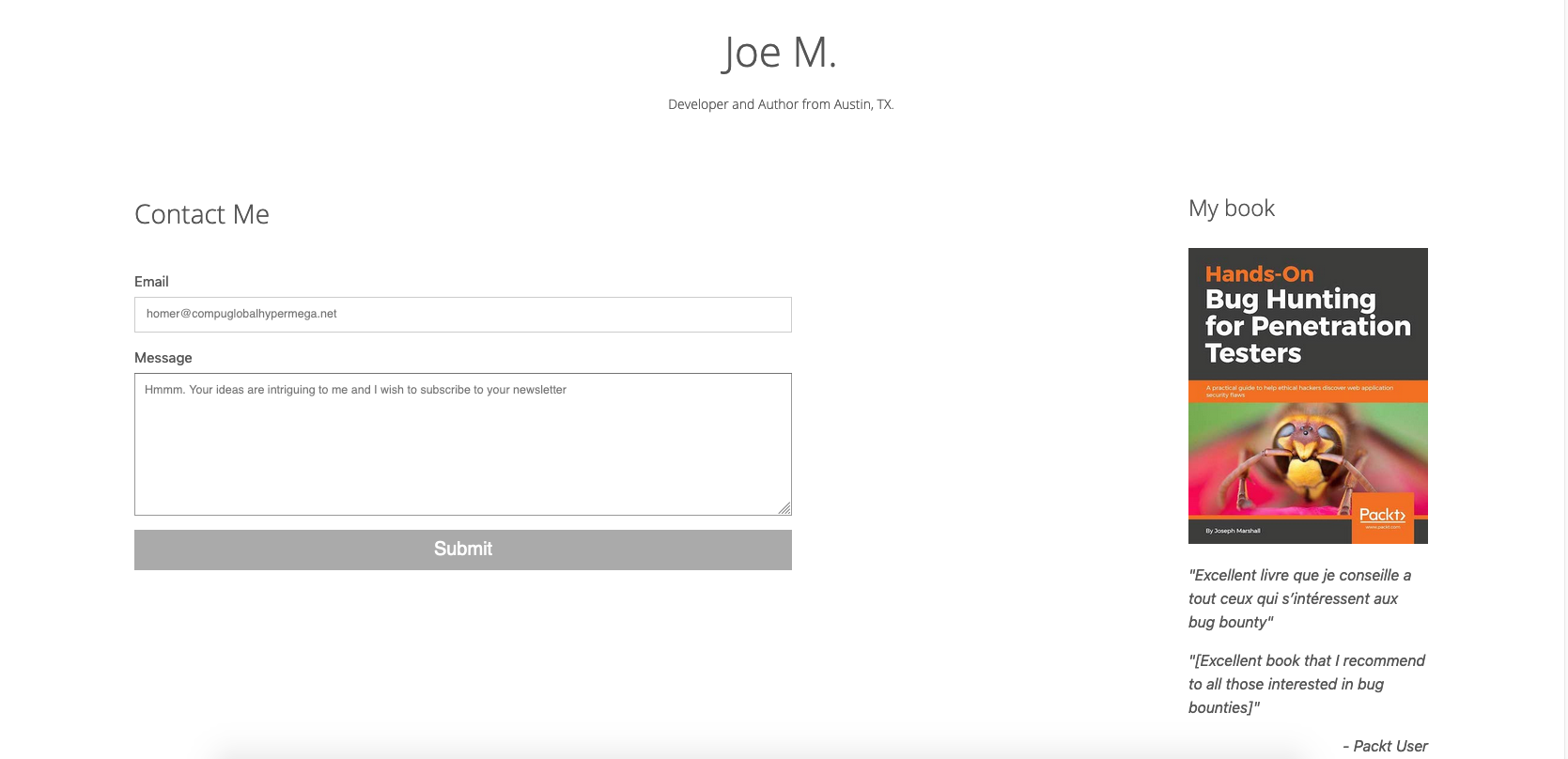
We did it! My humble personal blog and random Simpsons references are now accessible to the world.